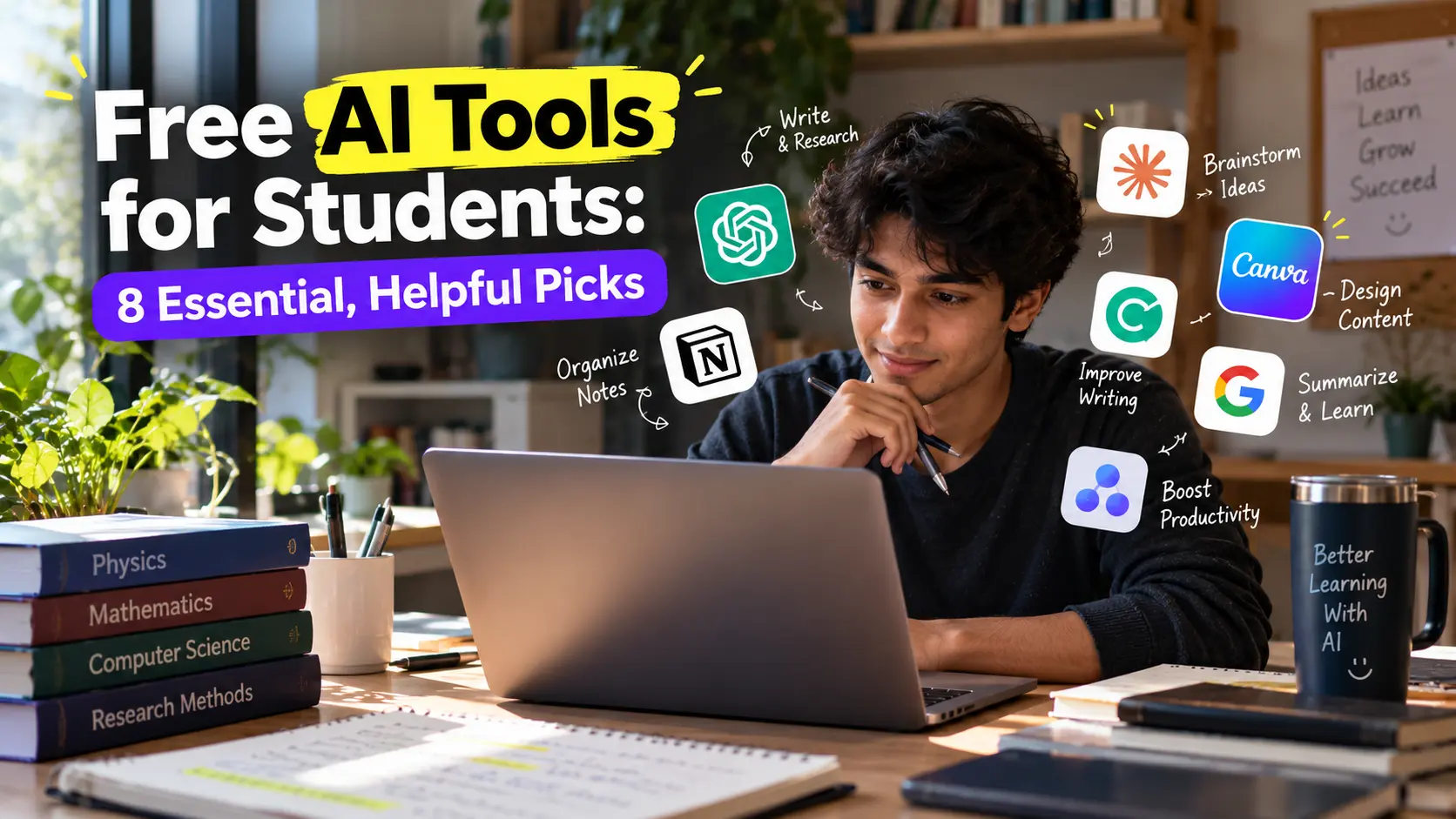
Free AI tools for students can make studying faster and less stressful, as long as you use them to learn rather than to skip the learning. This guide covers eight popular options, what each does, and what the free tier offers.
A note before you start. Free tiers and prices change often. The details below come from a recent roundup by Metana plus Google’s own pages, so check each tool’s website before relying on them.
8 Free AI Tools for Students
1. ChatGPT for explanations and study plans
ChatGPT explains concepts, builds study plans, and helps you brainstorm. The roundup lists a free version, with paid Plus at $20 per month. Use it to explain a topic two different ways, then test yourself.
2. Gemini Notebook (formerly NotebookLM) for your own notes
Google’s tool answers questions from documents you upload and gives citations that point back to your sources. Google says it can turn sources into Audio Overviews, which are listenable summaries, and it accepts PDFs, web links, pasted text, YouTube links, and audio files. Google also says uploaded data is not used for model training. Google now calls the product Gemini Notebook, and its Workspace page says it is included in Workspace plans. The roundup lists NotebookLM as free, so check Google’s current plan details for your account.
3. Perplexity for research with sources
Perplexity answers research questions with numbered citations, and it has a free version. The roundup lists Pro at $20 per month. Always open the sources to confirm they say what the answer claims.
4. Khanmigo for guided tutoring
Khanmigo is Khan Academy’s Socratic tutor. Instead of giving direct answers, it guides you with questions. The roundup says it is free with a Khan Academy account and lists a premium option at $44 per year.
5. Quizlet AI for flashcards
Quizlet generates flashcards and uses spaced repetition for memorization and exam prep. It has a free version with limited AI features.
6. Otter.ai for lecture notes
Otter transcribes lectures into searchable text and summaries. The free plan includes 300 minutes per month. Ask permission before recording a class.
7. Wolfram Alpha for math and science
Wolfram Alpha computes math, science, and statistics problems with step by step working. Basic queries and limited steps are free.
8. Grammarly for writing checks
Grammarly checks grammar, spelling, tone, and academic style. Basic grammar and spelling checks are free, and style and tone analysis is paid.
How to Choose Free AI Tools for Students
| Your goal | Tool to try |
|---|---|
| Understand a hard topic | ChatGPT or Khanmigo |
| Study from your own notes | Gemini Notebook |
| Research with sources | Perplexity |
| Memorize facts | Quizlet AI |
| Capture lectures | Otter.ai |
| Check your math | Wolfram Alpha |
| Polish writing | Grammarly |
Use AI to Learn, Not to Skip Learning
Free AI tools for students work best when you stay in charge:
- Try the problem first, then ask AI to check your thinking.
- Ask for hints and explanations instead of final answers.
- Verify facts. AI can sound confident while being wrong.
- Follow your school’s AI policy and disclose use when required.
- Use AI to quiz you, then close the app and recall from memory.
Frequently Asked Questions
What are the best free AI tools for students? ChatGPT, Gemini Notebook, Perplexity, Khanmigo, Quizlet, Otter.ai, Wolfram Alpha, and Grammarly are popular starting points.
Is it cheating to use AI for studying? It depends on your school’s rules. Using AI to explain, quiz, and organize is usually different from submitting its work as your own.
Can AI replace studying? No. It works best as a tutor and organizer while you do the thinking.
Are free AI tools safe for my notes? Check each tool’s privacy policy before uploading personal or sensitive material.
Conclusion
You do not need to pay to start with free AI tools for students. Pick two or three tools that match how you study, keep checking their answers, and use them to build understanding. Re-check pricing once a term, because free plans change.
External links